
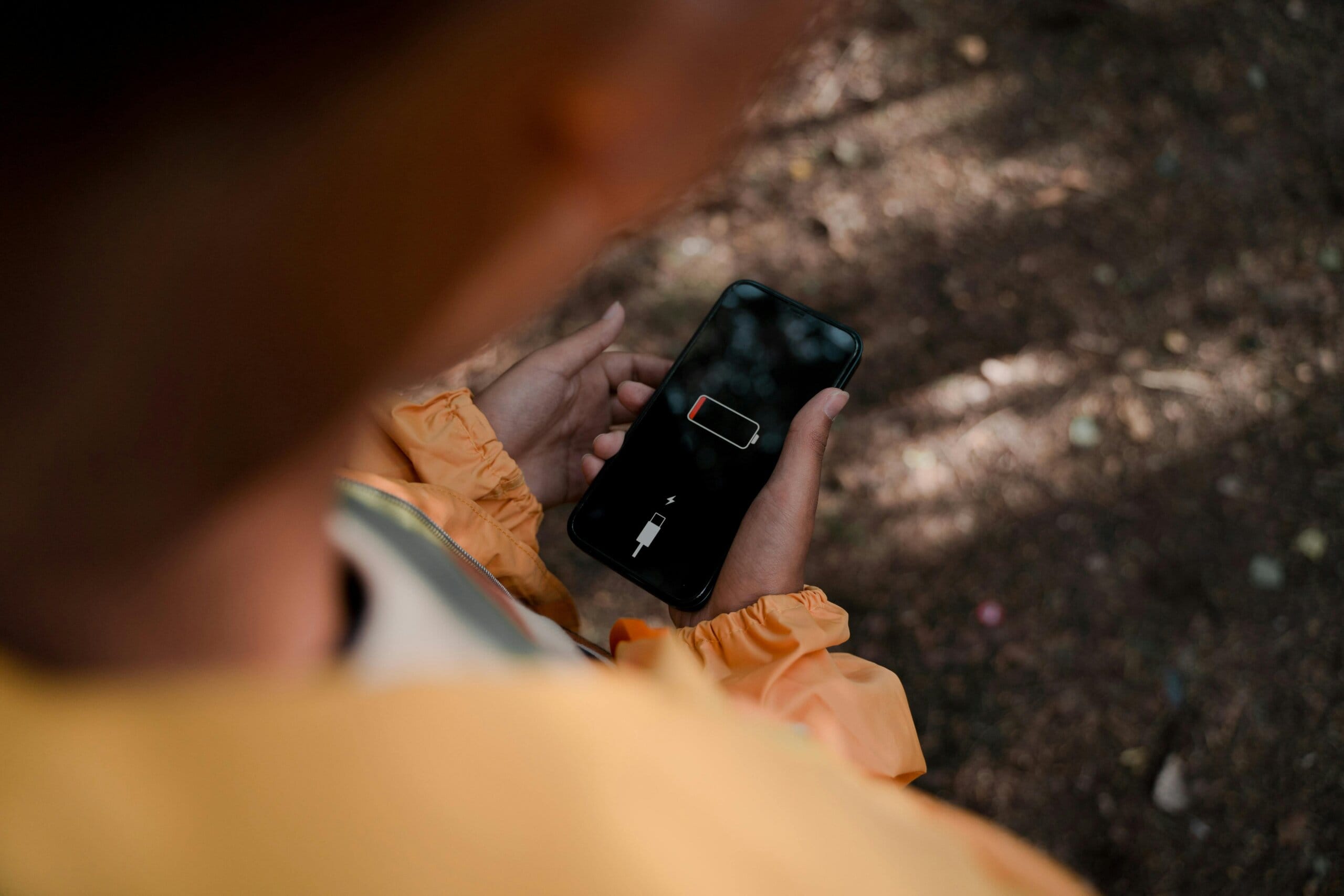
Does your mobile phone drain fast in record time, even if you’re not using it much? You’re not alone with the phone battery draining issue.
Fast-draining phone batteries are one of the most prevalent smartphone problems in the year 2025, both for those who use Android devices and those who use the iPhone. The silver lining?
Most problems pertaining to this issue do not call for a replacement battery. Let’s break it down in a simple, practical way.
Signs Your Phone Battery Is Draining Too Fast
Your phone can be prone to battery drain issues when:
- The battery is not original
- Battery lasts only for a few hours due to its nature
- Phone battery drains overnight
- Battery drains even on standby
- Device heats up while idle
- You need to charge more than twice a day

Why Is Your Phone Battery Draining Fast?
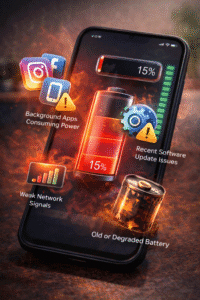
1. Background Apps Will Use Power
Applications such as Instagram, Facebook, Google Maps, and fitness tracking applications are always running in the background and consuming battery life.
Fix: Proceed to Battery → App usage and limit the applications you do not require.
2. Issues Related to the Software Update
Consumers often complain that the battery drains quickly post update, especially shortly after an important Android and iOS update.
Fix:
- Reboot your cell phone
- Update apps from Play Store / App Store
- Wait a few days (system optimization usually settles)*
3.High Screen Brightness & Refresh Rate
“Bright displays and 120Hz refresh rates are fantastic displays – but they consume batteries.”
Fix:
- Enable Auto Brightness
- Limit refresh rate to 60Hz if supported
4. Poor Network
Poor signals make the phone work extra hard, consuming more battery life.
Fix:
- Use Wi-Fi when possible
- Turn on “Airplane mode” in areas where there’s no signal
5. Old or Degraded phone
Lithium-ion batteries have their disadvantages as well. These batteries tend to degrade with the passage of time. After 2
Fix:
- Battery status check (iPhone: Battery Health section)
- Think of replacing the battery or purchasing a new one rather than buying a new phone

Phone Battery Draining Quickly? Try These Fixes!
✔ Enable Battery Saver Mode- Reduces background activity and increases standby time.
✔️ Uninstall Unused Apps- Even sometimes-unused applications can drain battery power.
✔️Turn Off Location, Bluetooth, & Hotspot- Keep them on only when needed.
✔️ Clear Cache (For Android)- Cache junk can be the cause of background drain.
✔️ Avoid Extreme Temperatures- The major killer of batteries would be heat.
Android vs iPhone Battery Drain – Is One Better?
Both Android and iPhone experience battery drain issues, but causes differ:
- Android: Background apps, OEM skins, cache buildup
- iPhone: iOS updates, background refresh, battery health decline
The fixes are similar — smart usage matters more than brand.
When Should You Replace the Battery?
If one of the following conditions applies to your iPhone:
- Battery level is less than 80%
- Phone just shuts down
- Battery power goes from 100% to 20% in one hour
- Battery replacement is more economical and sensible than an upgrade for your mobile.

Conclusion:
If you notice that the battery life of your phone is draining quickly, do not worry.
In general, it is usually caused by apps, settings, updates, and battery age, which can generally be managed.
Just a few tweaks, and you can extend battery life by as much as 30–50%.
- Official Google– https://support.google.com/android/answer/7664692
- Official Apple Support–https://support.apple.com/en-in/HT208387
Disclaimer: The information provided in this post is based on publicly available sources official websites and our own opinions. While we strive to keep it accurate and up to date, readers are encouraged to cross-verify details as updates or changes may occur over time.
Recent posts– How to Make Your Android Battery Last Longer (2025 Expert Guide to Reduce Battery Drain)
How to Sell Your Old Mobile Phone in India (2025 Step-by-Step Guide)